See what your agent was thinking.
Fix what went wrong.
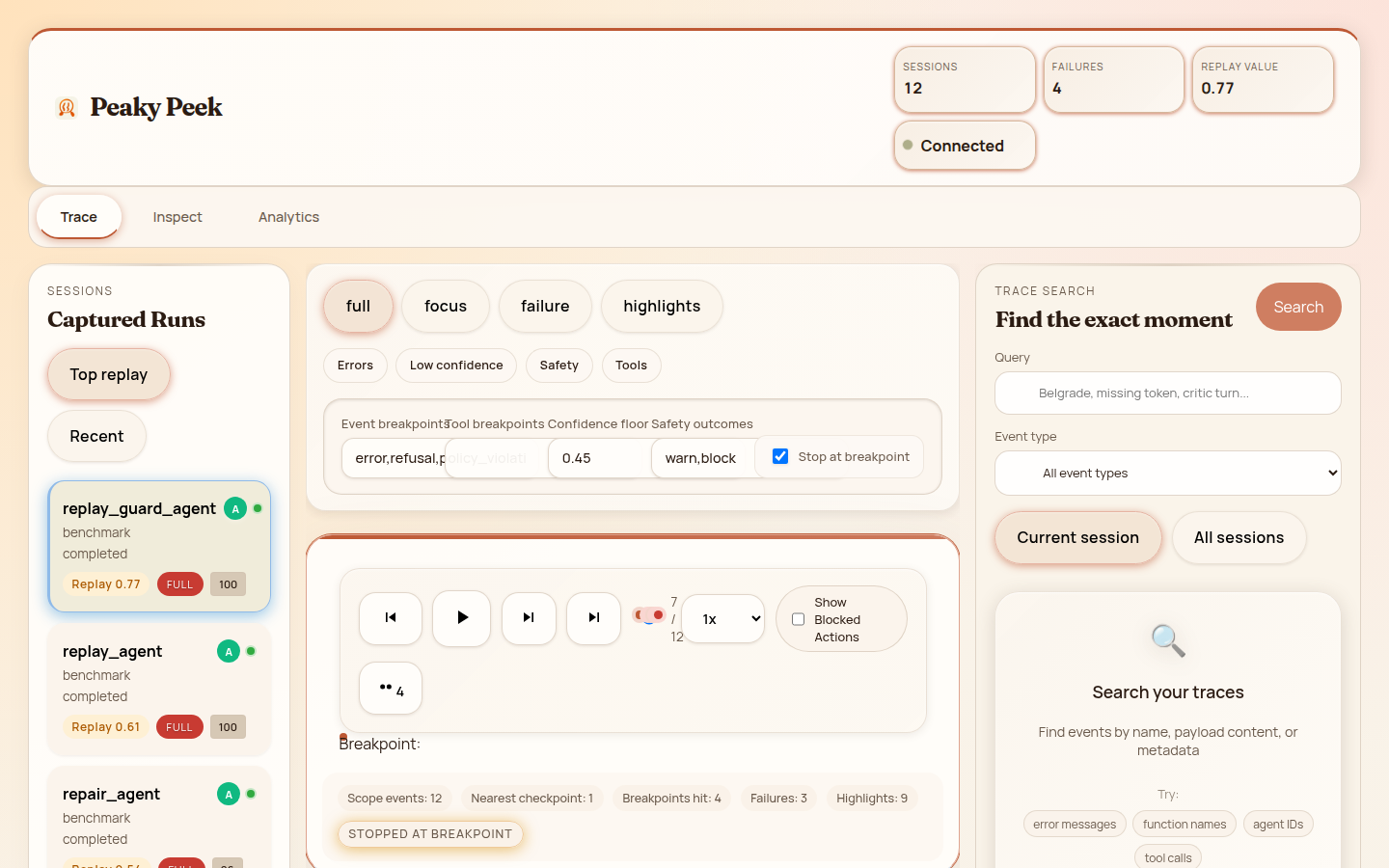
The local-first debugger for AI agents. Capture every decision, tool call, and LLM interaction as a queryable event timeline.






Why Peaky Peek?
Traditional observability tools weren't built for agent-native debugging.
No external telemetry. No SaaS lock-in. Your agent data stays on your machine unless you explicitly configure cloud mode.
Captures the causal chain behind every action — reasoning steps, confidence, evidence, and chosen action — not just function calls.
Time-travel through any session. Play, pause, step, and seek to any checkpoint. Replay the exact state before a failure occurred.
Feature Highlights
Everything you need to understand why your agent did what it did.
Core Debugger
Navigate agent reasoning as an interactive tree. Click nodes to inspect events and trace the causal chain from policy to tool call.
Time-travel through agent execution. Play, pause, step, and seek to any point. Checkpoints ranked by restore value.
Find specific events across all sessions. Search by keyword, filter by event type, and jump directly to results.
Multi-Agent
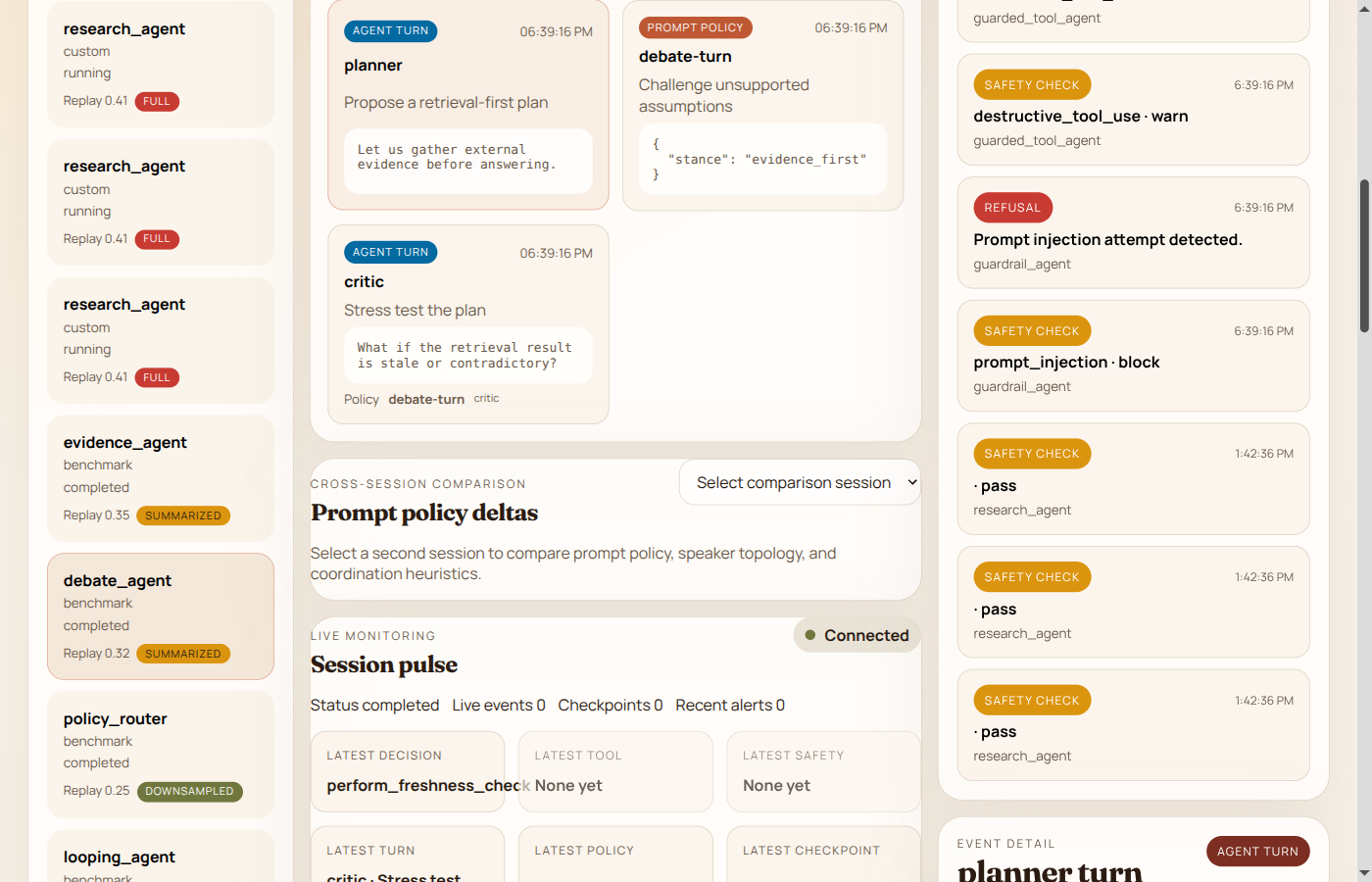
Track communication between agents. See handoffs, task delegation, and inter-agent messages in a unified view.
Compare multiple agent runs side-by-side. Identify where paths diverge and why outcomes differ.
Safety & Analysis
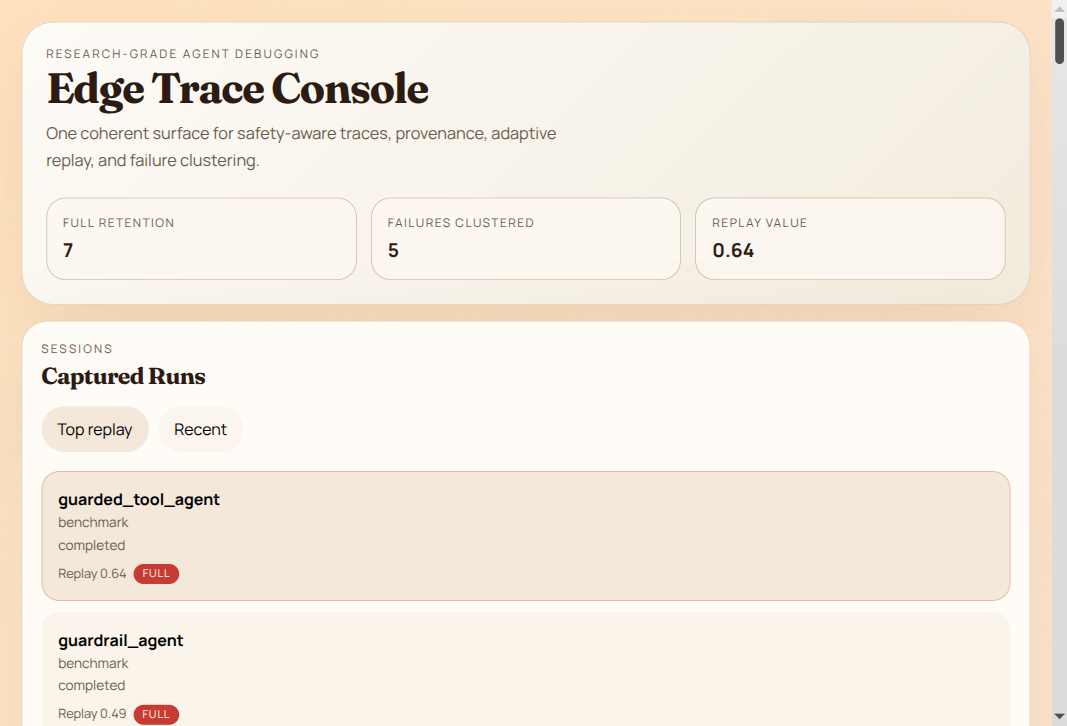
Track safety-critical decisions and permission grants. Audit every policy check and intervention point.
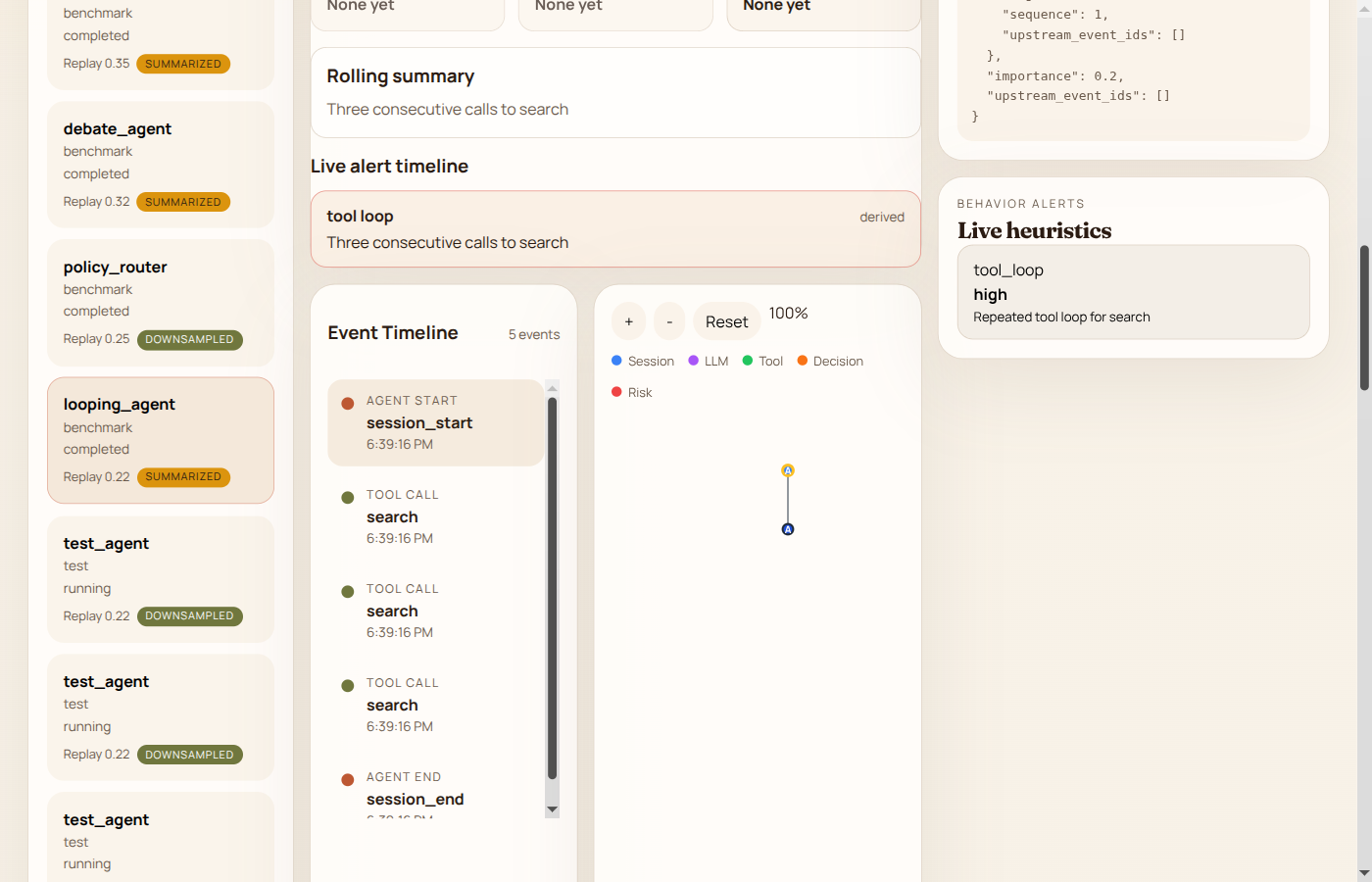
Automatically detect repetitive behavior patterns. Get alerts when agents get stuck in action cycles.
Adaptive analysis groups similar failures. Surface highest-severity, highest-novelty events. Click a cluster to focus the timeline.
Get Started
Requires Python 3.10+. Choose the install method that fits your workflow.
Quick Start (Recommended)
pip install peaky-peek-server && peaky-peek --openOption 1 — Decorator (Simplest)
pip install peaky-peek-serverfrom agent_debugger_sdk import trace
@trace
async def my_agent(prompt: str) -> str:
return await llm_call(prompt)Option 2 — Context Manager
pip install peaky-peekfrom agent_debugger_sdk import trace_session
async with trace_session("my_agent") as ctx:
await ctx.record_decision(
reasoning="User asked for weather",
confidence=0.9,
chosen_action="call_weather_api",
)
await ctx.record_tool_call("weather_api", {"city": "Seattle"})Option 3 — Zero-Config Auto-Patch (No Code Changes)
PEAKY_PEEK_AUTO_PATCH=true python my_agent.pyWorks with PydanticAI, LangChain, OpenAI SDK, CrewAI, AutoGen, LlamaIndex, and Anthropic — no imports or decorators needed.
API available at http://localhost:8000 ·
Full documentation →